Pack 01 of 04
Old Money
Harbour towns, clay courts, yachts and golf above the lake. Painted in bright, heavy strokes that make any screen feel like summer on the coast.
47 artworks · 71 files: 43 desktop · 16 phone · 6 iPad · 6 ultrawide
Card, Apple Pay or Google Pay. Your download page stays open for 12 months.
Previews from Old Money
Small, watermarked previews. Your files come clean and full size.
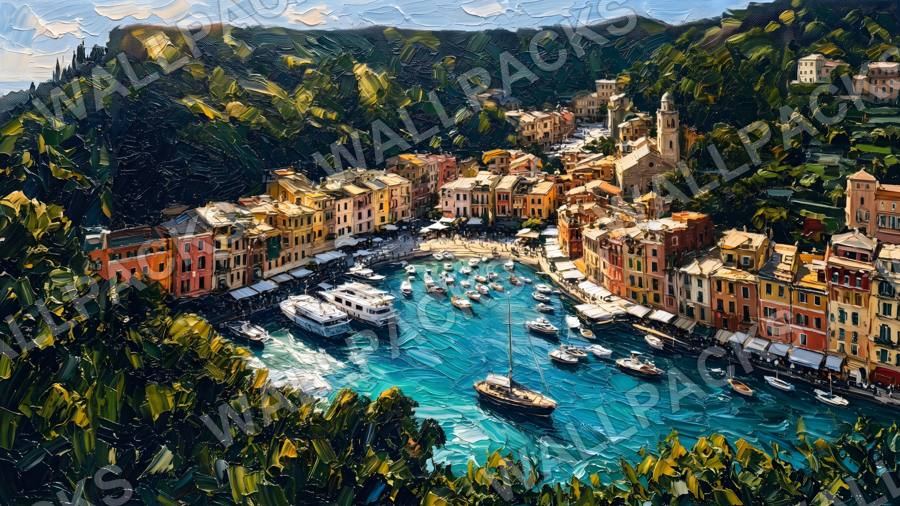

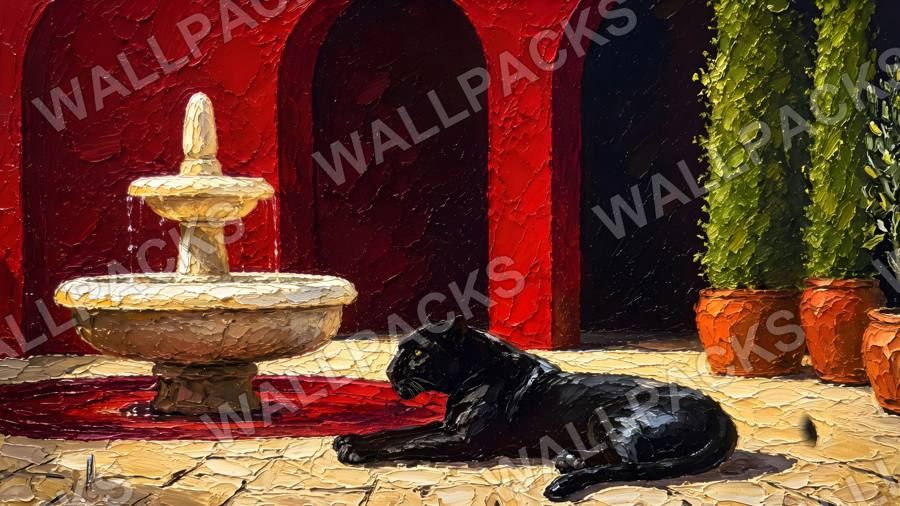
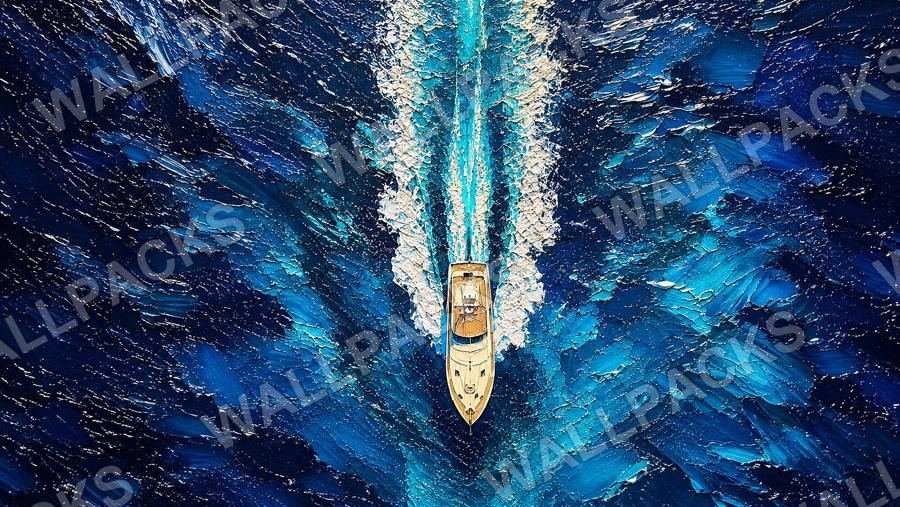
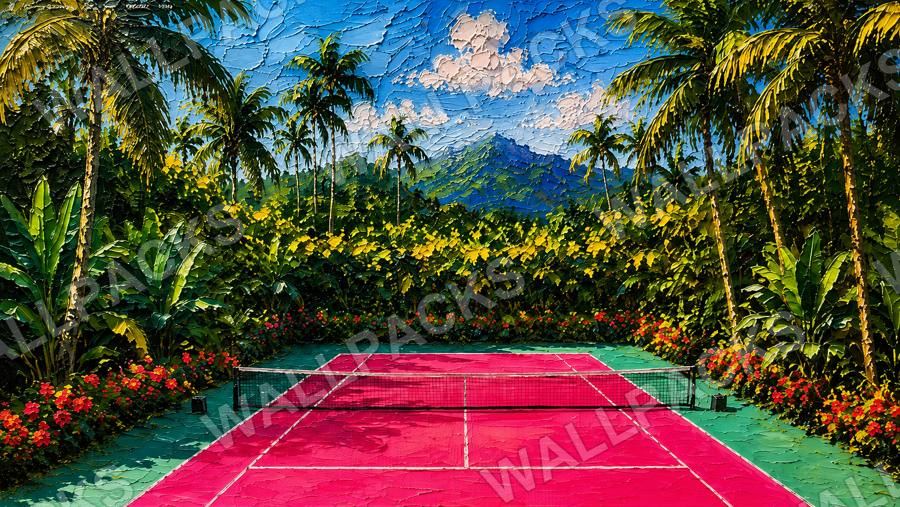
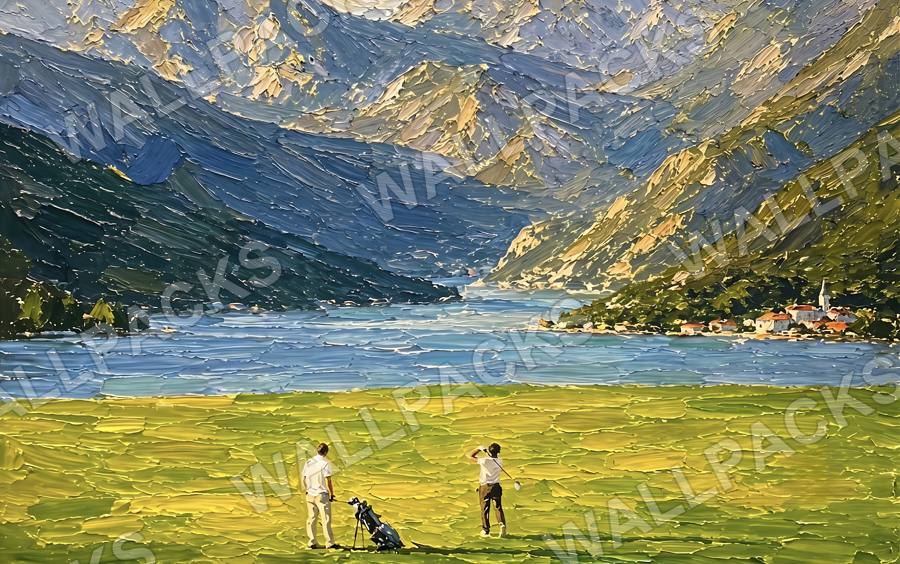
+37 more desktop wallpapers in the pack, plus 6 ultrawide and 6 iPad versions.
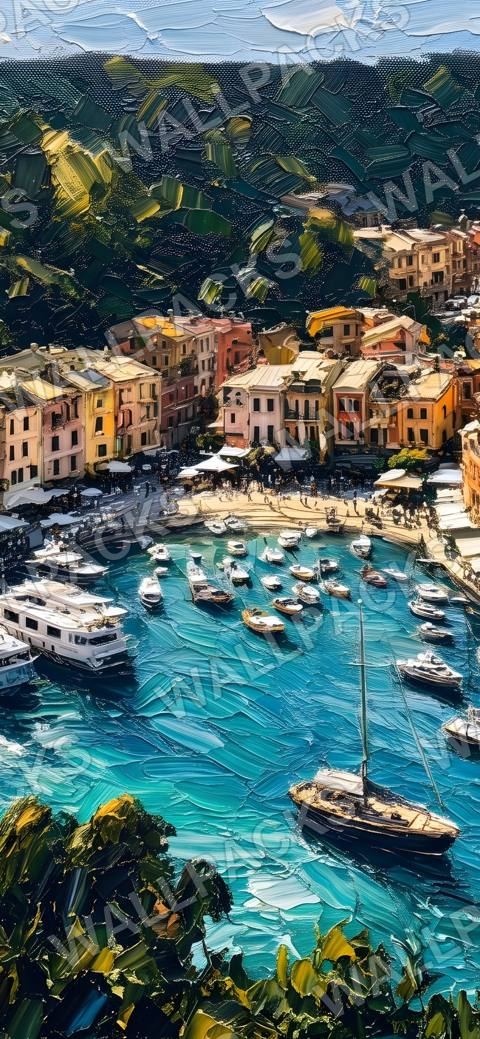
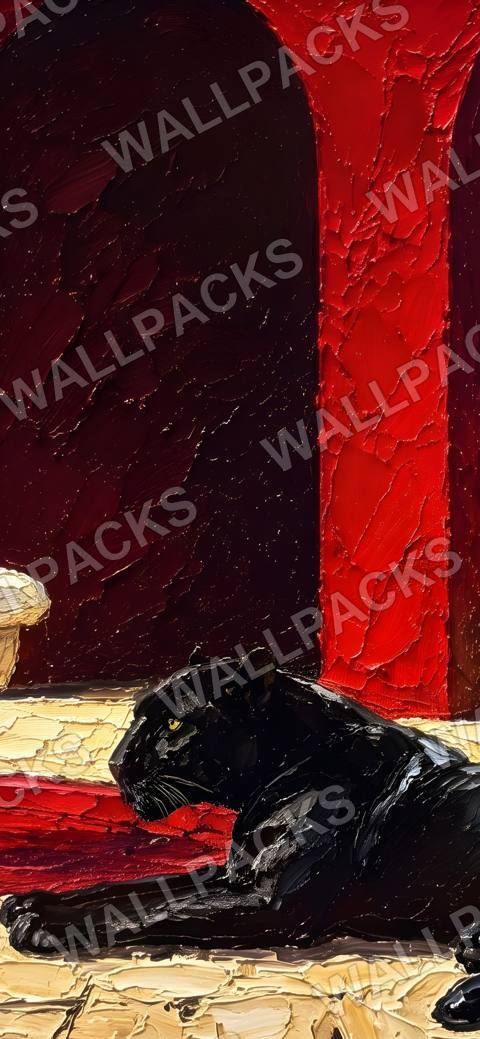
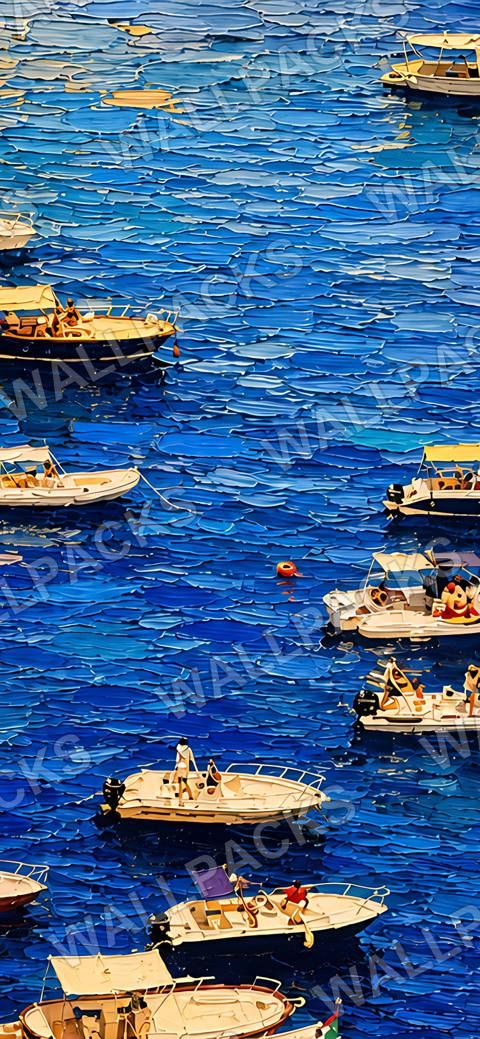
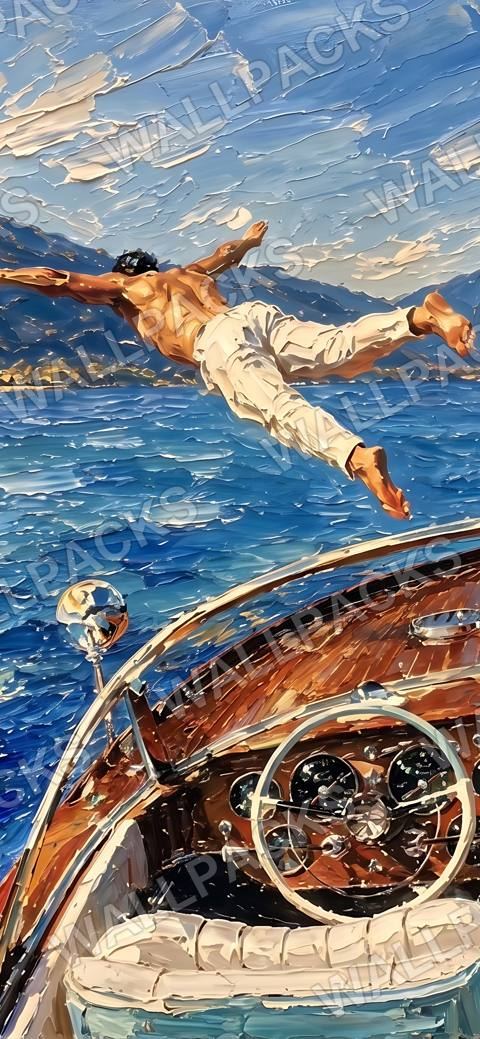
+12 more phone wallpapers in the pack.
What’s in the download
Two zips with a folder per screen: one for desktop (with the ultrawide and iPad folders) and one for phone. Each zip includes a short how-to. Or save single wallpapers straight from your download page.
Desktop zip 479 MB · Phone zip 53 MB
| Folder | Files | Size |
|---|---|---|
| Desktop/ | 43 | 23 at 3840 px+, the rest 1376 to 1672 px wide |
| Phone/ | 16 | mostly 1170 × 2532 |
| Ultrawide/ | 6 | 3440 × 1440 |
| iPad/ | 6 | 2160 × 2160 |
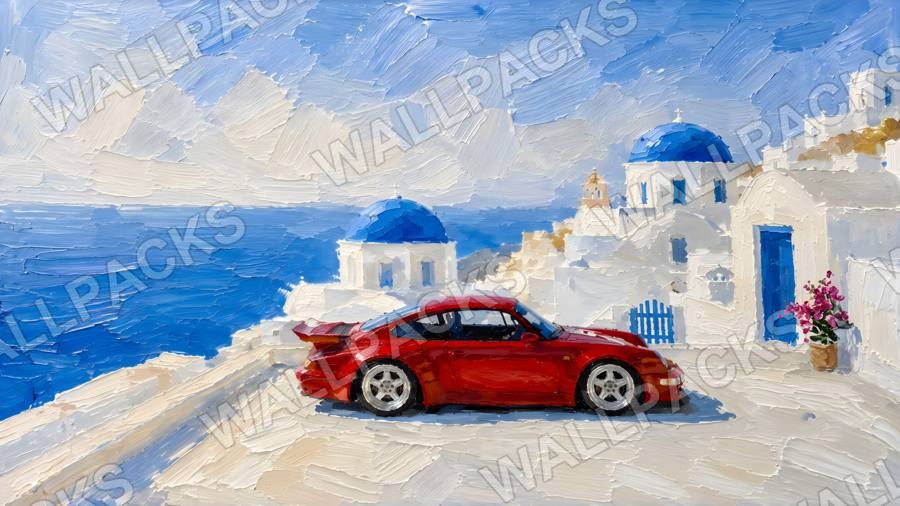
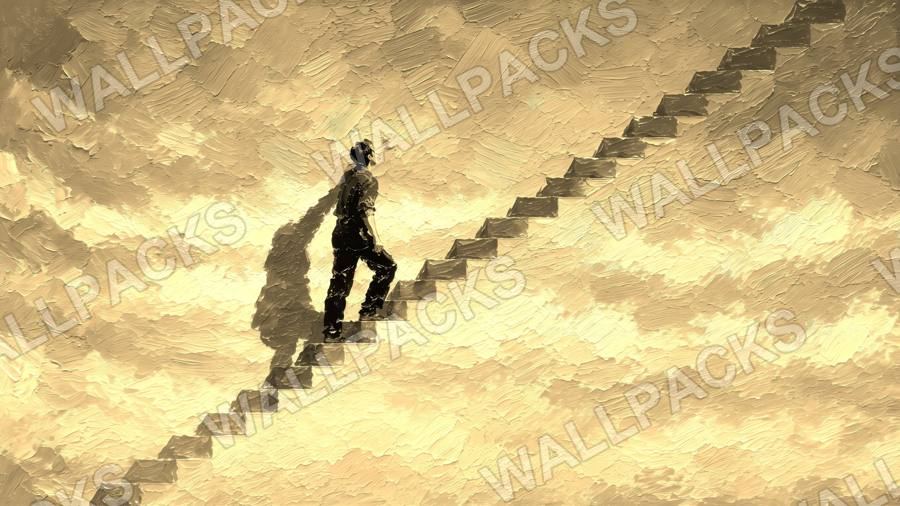
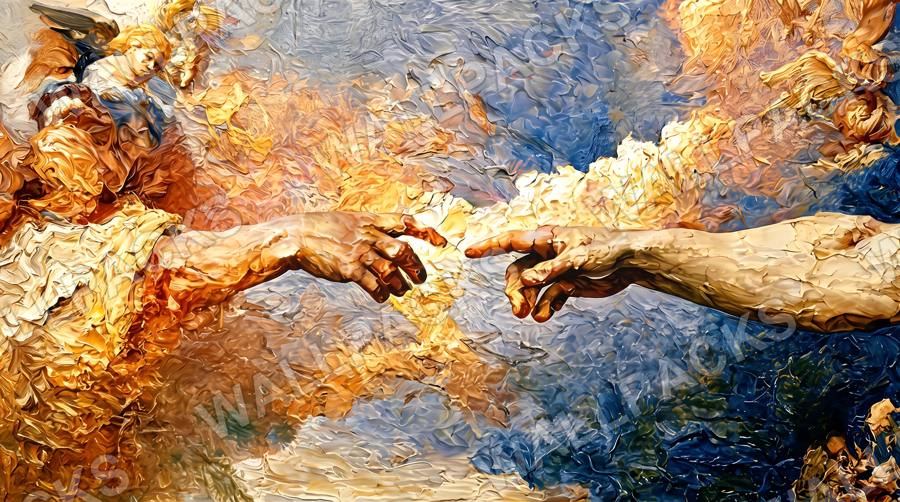
Old Money, Supercars, Hustle and Fine Art, plus Gold Edition and Live: $24 instead of $36.
Questions
What's in a pack?
Painted wallpapers for desktop and phone. Old Money has 43 desktop and 16 phone wallpapers, Supercars 39 and 23, Hustle 45 and 17, Fine Art 54 and 24. Some also come in ultrawide (3440 × 1440) and iPad (2160 × 2160) sizes. Your download page lists every file.
Will they fit my screen?
Mostly. Your Mac, PC or phone scales the image to fill the screen, so some of the edges may be cropped, more on ultrawide monitors and very tall phones. Where an artwork comes in ultrawide or iPad sizes, use those. The 1672 × 941 desktop files look fine on a 1080p screen but softer on Retina, 4K and 5K displays. Desktop files aren't made for phones, so check how many phone wallpapers a pack has.
How do I get my files?
Your download page opens right after you pay, and we email you the link from orders@getwallpacks.com (Whop emails your payment receipt separately). Each pack has a desktop zip (with the ultrawide and iPad sizes) and a phone zip, or you can save single wallpapers straight to your phone. Live comes in three zip parts.
How do I set a wallpaper on my phone?
Save it from your download page first (on iPhone you can also open the phone zip in Files, tap the image, then Share > Save Image). iPhone: Settings > Wallpaper > Add New Wallpaper > Photos. Android: open it in Photos or Gallery, tap the menu, then Set as wallpaper.
Can I get a refund?
Yes, in most cases within 14 days, and any time in the 12 months for a broken or missing file. The Refund Policy has the details.
Something else, or a problem with an order? Visit the help page.